
Smart daily grouping by location
Nearby attractions are grouped into practical days so you spend less time backtracking.
Fast, visual, and flexible city-trip planning
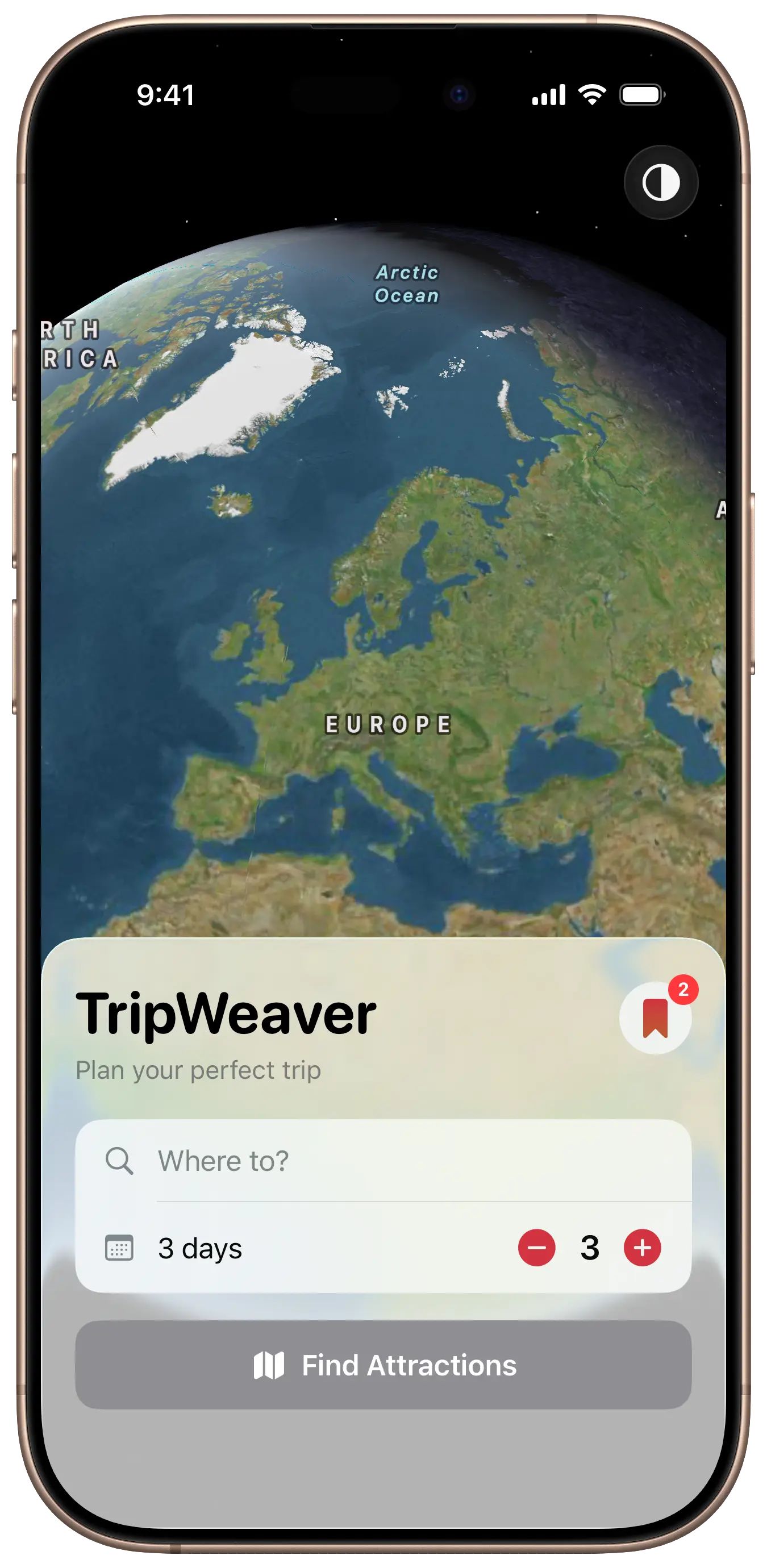
TripWeaver builds a day-by-day plan around nearby attractions so your route feels natural. Select places you actually want to visit, then tweak everything anytime.
Features
From first idea to polished itinerary, all in one visual planning flow.
Nearby attractions are grouped into practical days so you spend less time backtracking.
Each day has a clear focus with practical guidance to keep your plan realistic.
Browse visually, compare nearby places, and select only the stops that fit your trip.
Reorder stops, move places between days, add days, or remove days whenever plans change.
Store your itineraries and come back later to continue refining or reusing your plans.
Access key trip details quickly with widgets and jump right back into your current plan.
How it works
Choose where you are going and how many days you have available.
TripWeaver creates a natural route built around nearby attractions and practical timing.
Drag, move, add, and remove stops or days, then save the plan for later.
FAQ
Yes. You can reorder stops, move places between days, and add or remove days at any time.
No. It works for weekend getaways and longer city adventures alike.
Yes. Saved trips let you revisit, refine, and reuse your plans whenever you want.